Introduction
Understanding WordPress website structure is important for anyone who wants to manage, grow, or troubleshoot a website.
Many beginners use WordPress without knowing how its main parts work together.
This guide explains how WordPress is structured internally, focusing on the core system, themes, and plugins.
The goal is clarity, not technical overload.
1. How Is a WordPress Website Structured?
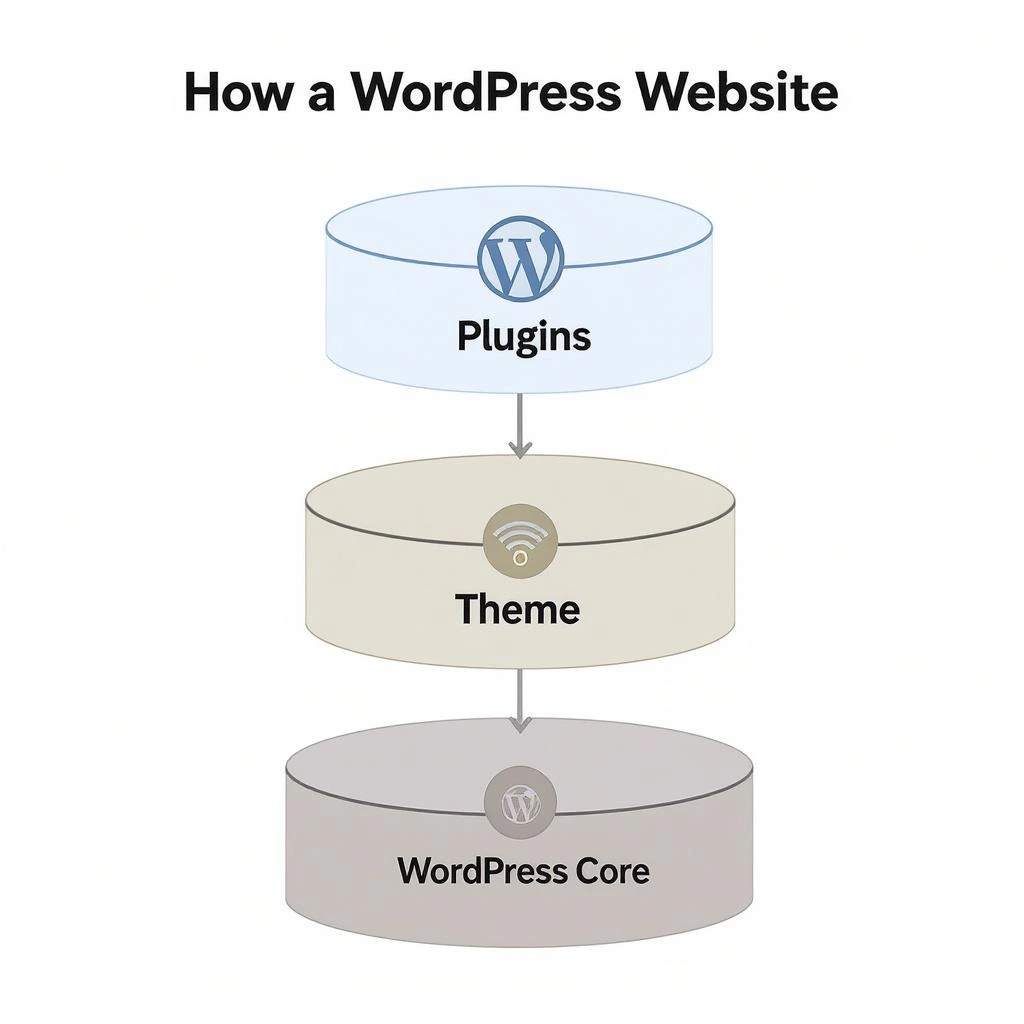
A WordPress website is built using three main layers: the WordPress core, themes, and plugins. Each layer has a specific role.
Together, they control how the site functions, how it looks, and how content is managed.
Understanding this structure helps prevent common mistakes and makes website decisions more informed.
2. The Three Core Components of WordPress
WordPress separates its system into three components to keep websites flexible and easy to maintain.
The core provides the fundamental system that runs the website.
Themes control the visual design and layout of pages.
Plugins add additional features that extend what the website can do.
This separation allows websites to change design or add functionality without affecting the core system, making WordPress easier to customize and maintain over time.
To understand how this system works in practice, it is important to look at each component individually.
3. WordPress Core Explained
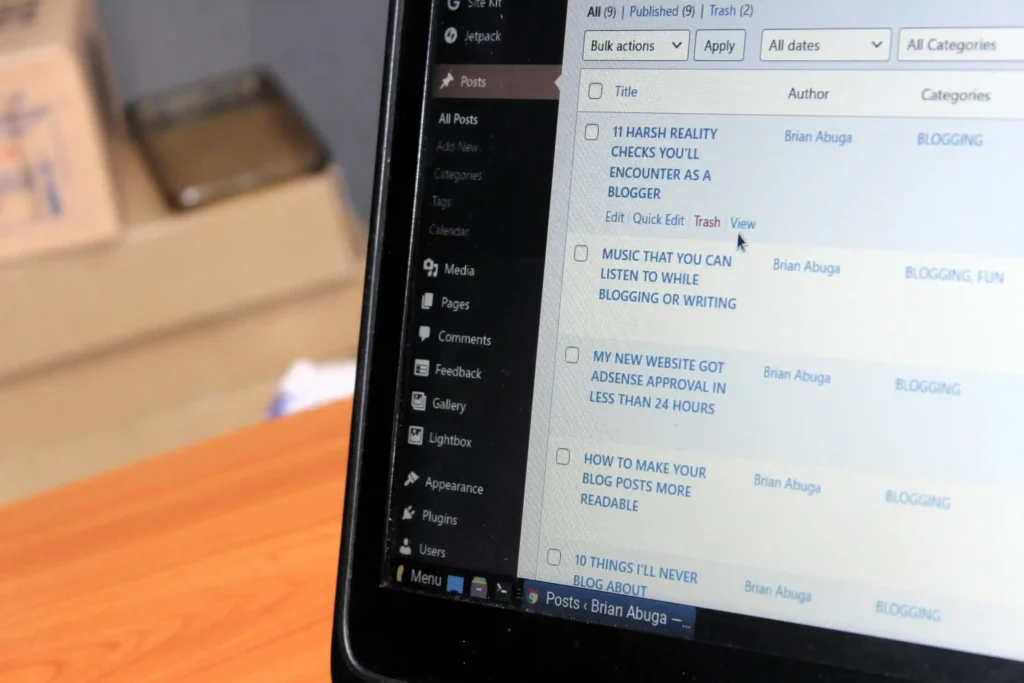
The WordPress core is the foundation of every WordPress website.
It includes the essential files that make WordPress function as a content management system.
I. What the Core Controls
The core handles content storage, user management, page rendering, and basic security.
II. Why the Core Should Not Be Edited
Editing core files directly can break updates and create security risks.
This is why customization happens through themes and plugins instead.
4. What Are WordPress Themes?
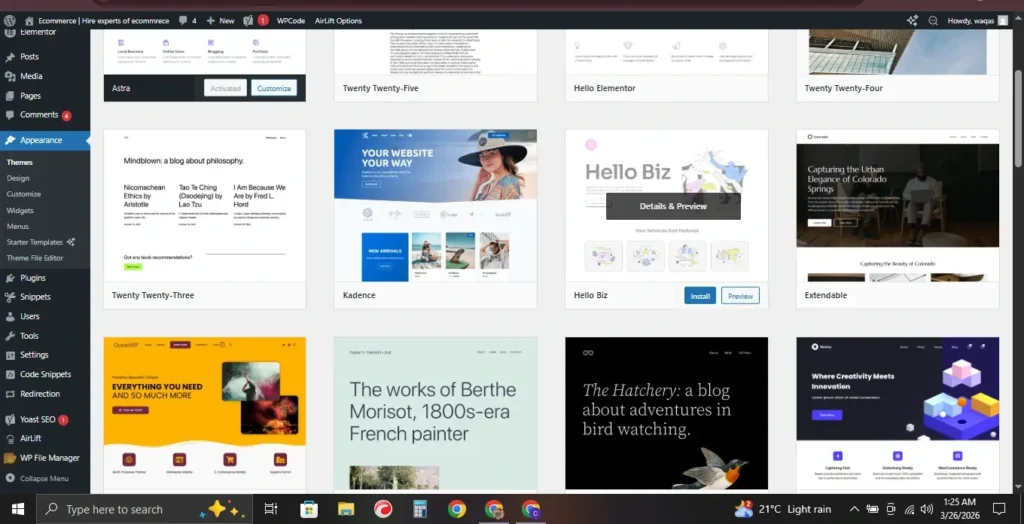
A theme controls how a WordPress website looks and feels.
It defines layout, typography, colors, and visual structure.
I. Design, Not Functionality
Themes should focus on appearance rather than features.
II. Consistency Across Pages
A theme ensures consistent design across posts, pages, and archives.
III. Separation From Content
Changing a theme does not remove content.
It only changes how that content is displayed.
5. What Are WordPress Plugins?
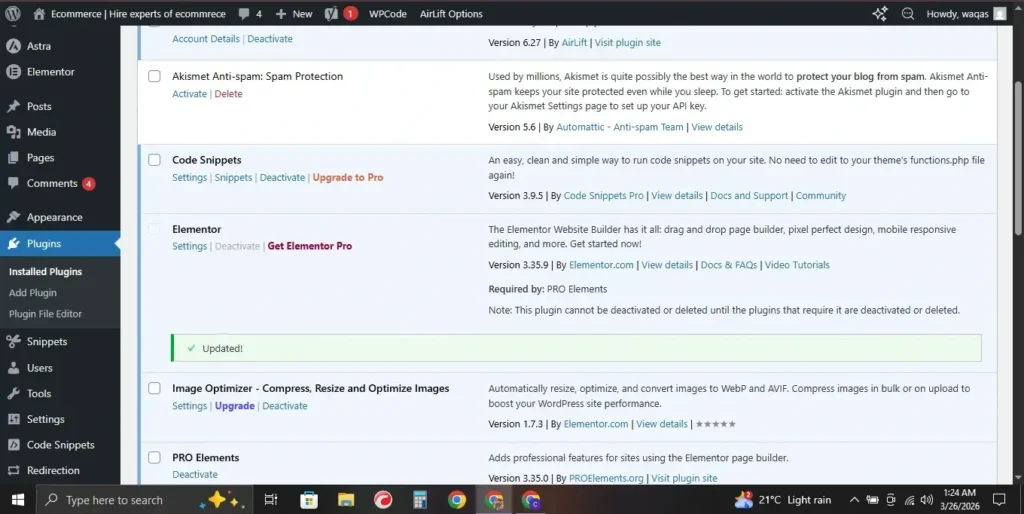
Plugins extend what WordPress can do without changing core files.
They add features that are not included by default.
I. Functional Additions
Plugins can handle forms, performance optimization, security, or content management.
II. Modular Structure
Each plugin works independently, allowing features to be added or removed without redesigning the site.
III. Responsible Usage
Using too many plugins can create conflicts or performance issues if not managed carefully.
6. How Themes, Plugins, and Core Work Together
The WordPress core provides the rules and structure.
Themes decide presentation.
Plugins extend functionality.
Each part has a defined role.
When used correctly, this separation keeps the website flexible and stable.
7. Why WordPress Website Structure Matters
Understanding WordPress website structure helps users avoid common problems.
I. Easier Troubleshooting
When something breaks, knowing which layer is responsible saves time.
II. Safer Updates
Updates are safer when core, theme, and plugins are properly separated.
III. Better Long-Term Maintenance
A well-structured site is easier to manage as it grows.
8. Common WordPress Structure Mistakes Beginners Make
Many issues come from misunderstanding structure rather than technical errors.
I. Editing Core Files
This causes update and security problems.
II. Using Themes for Functionality
Themes should not replace plugins for core features.
III. Installing Unnecessary Plugins
More plugins do not always mean more value.
9. Is WordPress Website Structure Good for SEO?
Yes, when used correctly.
I. Clean Content Separation
Search engines prefer clear content and layout separation.
II. Flexible Optimization
The structure allows optimization without changing core files.
III. Scalability
As content grows, WordPress structure supports expansion without redesign.
11. WordPress File Structure Overview
Behind the dashboard, every WordPress website is built from a structured set of files and folders stored on the server.
Important folders include:
• wp-admin – controls the dashboard interface
• wp-content – contains themes, plugins, and uploads
• wp-includes – holds essential WordPress functions
Most users only interact with the wp-content folder, because that is where themes and plugins are installed.
Understanding this basic file structure helps when troubleshooting errors or managing backups.
12. How WordPress Stores Website Content
WordPress does not store posts and pages as simple files.
Instead, it stores most website content inside a database.
This database keeps information such as:
• posts and pages
• user accounts
• comments
• website settings
When someone visits a page, WordPress combines database content with the theme design to generate the final page.
13. WordPress Structure and Website Performance
Website structure also affects performance.
A well-structured WordPress site loads faster because responsibilities are separated correctly.
For example:
• the core manages system operations
• the theme handles visual presentation
• the plugins provide additional functionality
When these components are used responsibly, the website remains scalable and efficient even as content grows.
10. Final Thoughts
WordPress works well because of its structured design.
The separation between core, themes, and plugins is intentional.
Understanding this structure leads to better decisions, fewer errors, and long-term website stability.
WordPress is not just easy to use—it is designed to scale responsibly when used correctly.
FAQs
What is WordPress website structure?
WordPress website structure refers to how the core system, themes, and plugins work together to manage content and display a website.
Can a WordPress website work without plugins?
Yes, but plugins add important features that are not included in the core system.
Does changing a theme affect content?
No. Content remains intact. Only design and layout change.
Should beginners learn WordPress structure?
Yes. Basic understanding helps avoid mistakes and improves site management.
Is WordPress structure beginner-friendly?
Yes. It is designed to separate complexity into manageable parts.

Founder of HireEcomExperts.com — a platform helping online entrepreneurs find trusted Fiverr freelancers for Shopify, dropshipping, Amazon FBA, and digital marketing. Website Developer and SEO specialist with hands-on experience in ecommerce growth strategies.