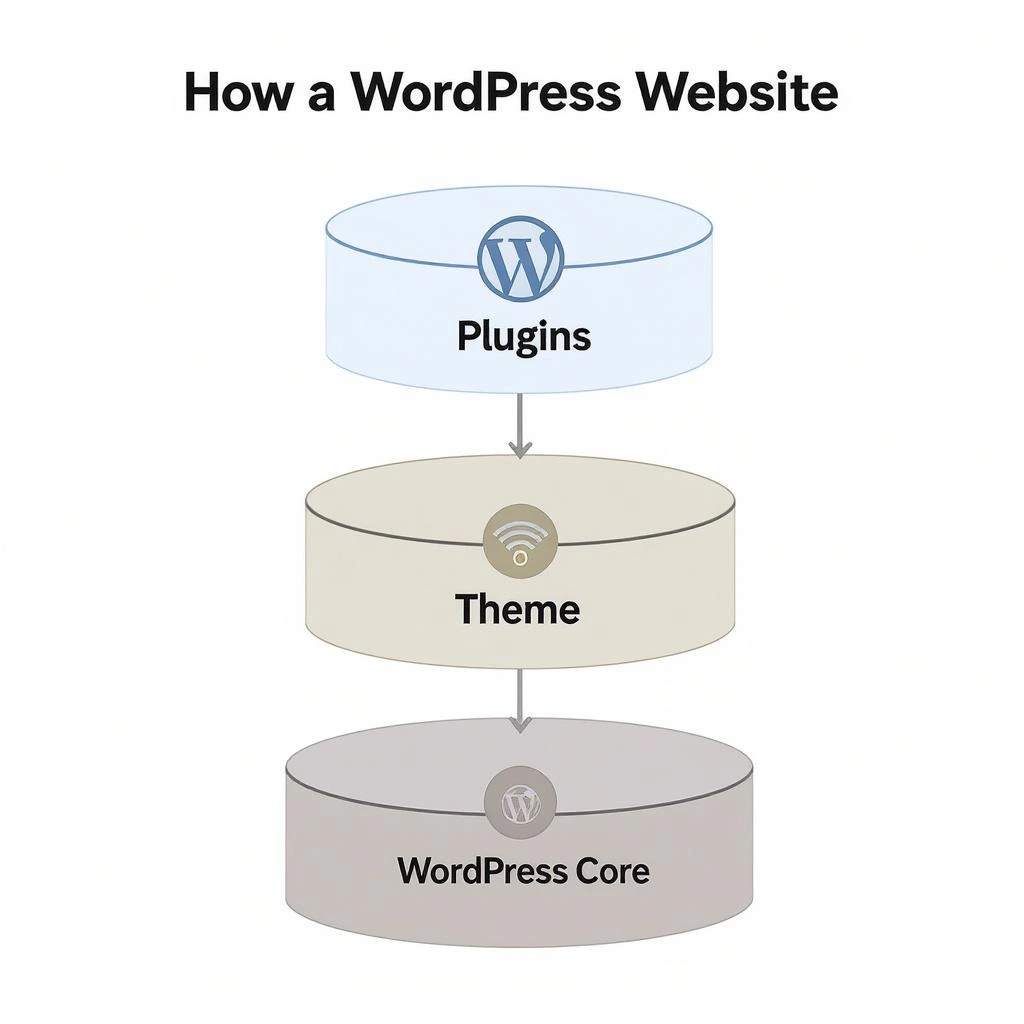
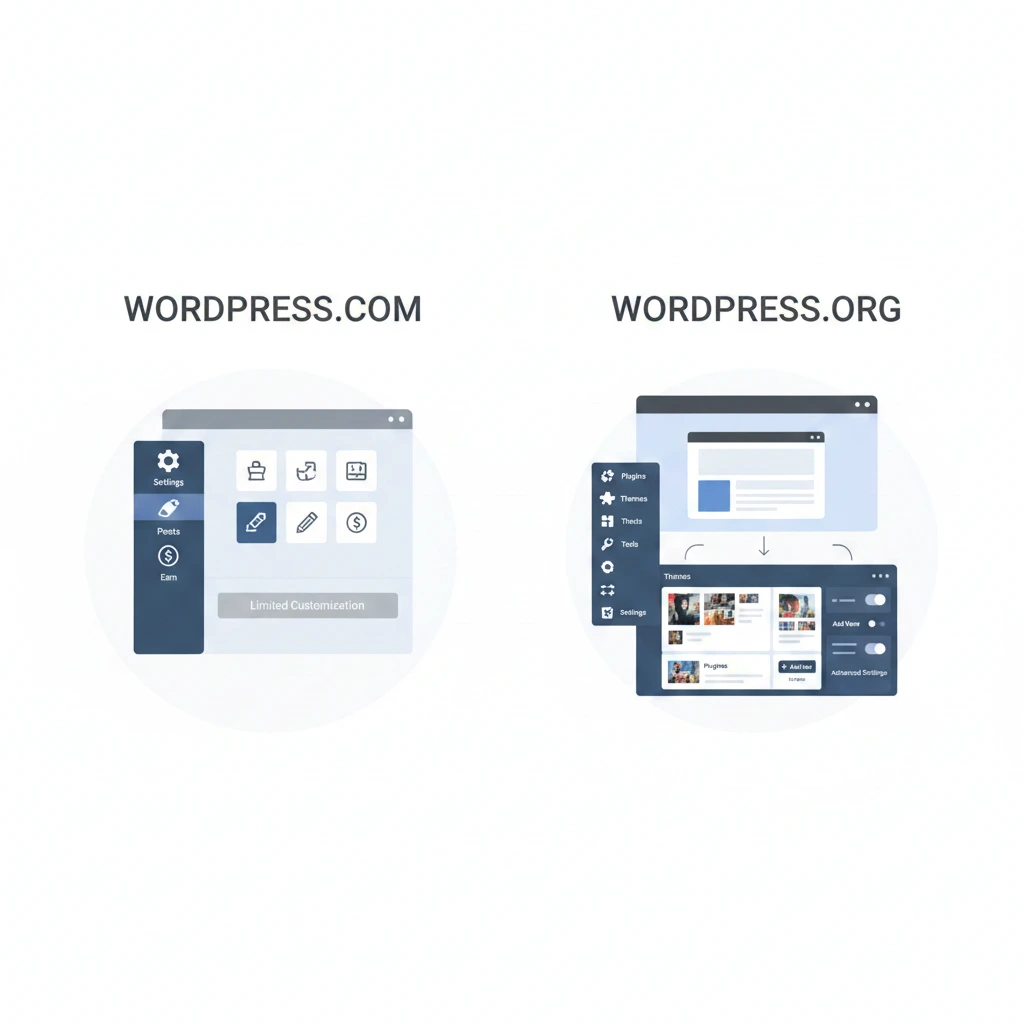
Introduction
Many beginners searching for WordPress are surprised to discover that there are two different platforms: WordPress.com and WordPress.org.
Although they share the same name, they operate very differently.
Understanding the distinction between these two options is important before choosing how to publish content online. This article explains the key differences clearly and objectively.

1. What Is WordPress.com?
WordPress.com is a hosted platform that allows users to create and manage websites without handling technical setup.
How WordPress.com works
- The platform manages hosting and maintenance
- Users create content through a managed dashboard
- Technical responsibilities are handled automatically
👉 Real example:
If you just want to start a blog or personal website today without dealing with hosting, WordPress.com lets you go live in minutes.
The tradeoff
You gain simplicity—but lose control.
2. What Is WordPress.org?
WordPress.org refers to the self-hosted version of WordPress software.
How WordPress.org works
- Users download the WordPress software
- The website runs on a user-controlled server environment
- Full access to files and settings is available
WordPress.org offers greater flexibility but requires more responsibility.
👉 Real example:
If you want to build a business website, eCommerce store, or niche blog that earns money, this is the version professionals use.
The tradeoff
More control—but more responsibility.
3. The Real Difference: Ownership
This is where most beginners make mistakes.
WordPress.com
- Your site exists on a managed platform
- Certain rules apply
- Limited control over monetization and customization
WordPress.org
- You fully own your website
- No restrictions on content or monetization
- Full access to files and backend
👉 Important insight:
If your goal is long-term growth or income, ownership matters more than convenience.
4. Customization: Beginner vs Professional Level
On WordPress.com
- Limited themes (depending on plan)
- Restricted plugin access
- No deep customization
On WordPress.org
- Full access to themes and plugins
- Ability to modify code
- Build anything from blogs to advanced platforms
👉 Example:
Want to create a dropshipping store or affiliate site? WordPress.org is almost always required.
5. Content Management Capabilities
Both platforms use the WordPress editor, but capabilities differ.
WordPress.com content handling
- Simplified publishing experience
- Fewer advanced content settings
WordPress.org content handling
- Full control over posts, pages, and media
- Advanced content structuring options
This difference becomes more noticeable as websites grow.
6. Monetization Differences (Critical for AdSense)
This is one of the biggest reasons people switch platforms.
WordPress.com
- Restrictions on ads (especially on free/basic plans)
- Limited monetization options
WordPress.org
- Run ads like Google AdSense freely
- Affiliate marketing, eCommerce, sponsorships—all allowed
👉 If your goal is earning online, WordPress.org gives you full freedom.
7. Maintenance and Responsibility
WordPress.com
- Platform handles updates and security
- Less technical involvement required
WordPress.org
- Users manage updates and backups
- Greater responsibility for site maintenance
The tradeoff is between convenience and control.
👉 But in return, you gain complete flexibility.
8. Learning Curve for Beginners
WordPress.com is often easier to start with due to its managed environment.
WordPress.org requires learning basic website management concepts, but it offers deeper understanding and long-term flexibility.
Beginners should consider how much control they want to manage themselves.
9. Common Misconceptions
“They are the same platform”
They share the same core software, but operate differently.
“WordPress.com is the official WordPress”
WordPress.org hosts the open-source software, while WordPress.com is a commercial service built on it.
“One is always better than the other”
Each serves different needs and expectations.
10. Open-Source Background
The WordPress software itself is open-source, meaning anyone can use and modify it freely.
This is explained in the Wikipedia definition of WordPress, which outlines how the project is maintained by a global community.
11. WordPress.com vs WordPress.org Comparison Table
| Feature | WordPress.com | WordPress.org |
|---|---|---|
| Hosting | Included and managed | Requires separate hosting |
| Customization | Limited depending on plan | Full customization |
| Plugins | Restricted on basic plans | Unlimited plugin installation |
| Maintenance | Platform handles updates | User manages updates |
| Control | Platform rules apply | Full ownership and control |
This comparison highlights how the two platforms differ in terms of flexibility, responsibility, and website ownership.
12. Which Platform Should Beginners Choose?
Choosing between WordPress.com and WordPress.org depends on a beginner’s priorities.
WordPress.com can be a practical option for users who want to publish content quickly without managing hosting, updates, or security.
However, WordPress.org is often preferred by users who want long-term control over their website. It allows deeper customization and supports advanced website functionality as projects grow.
For individuals planning to build a professional website, learning WordPress.org early can provide more flexibility in the future.
13. When Should You Switch from WordPress.com to WordPress.org?
Many website owners start with WordPress.com and later migrate to WordPress.org as their needs expand.
Common reasons for switching include:
• needing greater customization
• installing advanced plugins
• managing monetization strategies
• gaining full ownership of website files
Moving to WordPress.org allows the website owner to manage hosting, design, and functionality independently.
Conclusion
WordPress.com and WordPress.org serve different purposes despite sharing the same name.
One focuses on convenience through a managed platform, while the other prioritizes control and flexibility.
Understanding these differences helps beginners choose the option that aligns with their goals and technical comfort level.
FAQs
What is the main difference between WordPress.com and WordPress.org?
WordPress.com is hosted and managed, while WordPress.org is self-hosted and fully controlled by the user.
Is WordPress.org free?
The software is free, but running a website involves independent setup and maintenance.
Can beginners use WordPress.org?
Yes, but it requires learning basic website management concepts.
Do both use the same editor?
Yes, both use the WordPress editor, though features may differ.

Founder of HireEcomExperts.com — a platform helping online entrepreneurs find trusted Fiverr freelancers for Shopify, dropshipping, Amazon FBA, and digital marketing. Website Developer and SEO specialist with hands-on experience in ecommerce growth strategies.